En düşük fiyatı ödediğinizi garanti ederiz. Eğer 48 saat içinde başka bir yerde aynı dil kursu için daha iyi bir fiyat bulursanız, farkı iade edeceğiz. Ayrıntıları göster
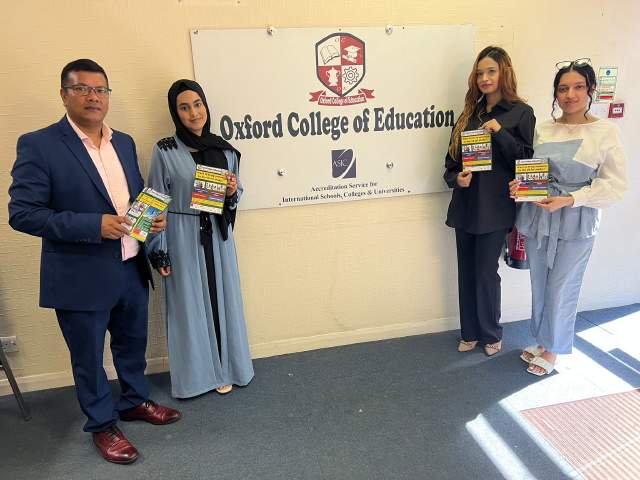
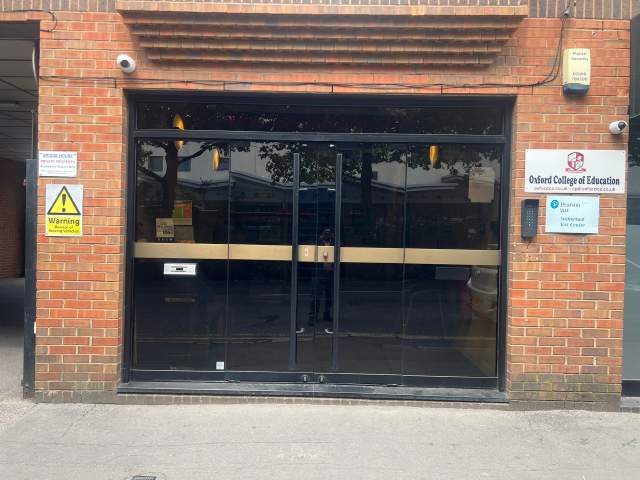
Oxford College of Education Bridge House, 56 Bridge St, High Wycombe, High Wycombe, Buckinghamshire HP11 2EL, UK
Sınıf programı mevcudiyet ve sezona bağlı olarak değişebilir.
Kurs açıklaması
(Translated by Google Translate)
Microsoft Excel Certification Level 3
Please Note: This course uses the Windows version of Microsoft Office 2016. Any other versions will have some differences in the functions.
The Microsoft (MS) Excel Certification Level 3 Course is the most comprehensive of the three Excel courses presented here. If a team member has successfully completed the Level 1 and Level 2 courses, they will be fully prepared to start the Level 3 course.
Formulae or functions are what advanced users of Excel want from this tool. When you use formulae, not only can you see the data that you require for your work, you can also analyse it and get answers to complex questions.
Although anyone with some Excel knowledge can use formulae, such as SUM, a user who has the advanced Excel skills presented in this course will use other formulae, both alone and combined, such as MATCH, INDEX, DSUM and VLOOKUP.
In addition to knowing and using these formulae, an advanced user of Excel knows how to debug these formulae, how to audit them and how to choose the perfect formula for the particular task to be carried out.
What’s Covered in the Course?
Any staff member choosing to study this course can expect to gain the following skills:
How to set A Password to an Excel document;
VLOOKUP Advanced formula options and manipulations;
Other advanced functions: OR, AND, CHOOSE, INDIRECT, REPLACE, LEN, LEFT, FIND;
Functions of CEILING, CORREL, DATEDIF, DATEVALUE, DAVERAGE and EDATE;
Colouring a column and row with a formula;
Highlighting a cell with a formula;
Functions of ISODD, ISNUMBER, ISTEXT, ISLOGICAL, ISNONTEXT, ISERR and ISBLANK;
Functions of DGET, DMAX, DPRODUCT, DCOUNTA, DCOUNT and DSUM;
How to calculate depreciation in Excel, including SLN depreciation and SYD depreciation;
Calculating loan IPMT and EMI;
Functions of DATEDIF, DATEVALUE, EDATE, EOMONTH, MATCH and INDEX;
Full explanation of the INDEX and MATCH functions;
Looking up data;
Selecting only cells containing comments;
Hiding formulae;
Automatically inserting serial numbers;
The employee will also learn about calculating depreciation, calculating interest and calculating IPMT and EMI for loans, all by using Excel functions.
The course features information on INDEX and MATCH functions, which is important in certain industries and roles. It also shows learners how to use the CHOOSE formula and how to create special charts.
What are the Benefits of the Course?
Upon completion of the Level 3 course, the employee will have access to the full functionality of Excel and will know how to use all of its formulae, functions and capabilities;
The Level 3 Excel course is designed for ‘power’ users, but not only for programmers and those interested in financial modelling;
Competent Excel users add huge value to an organisation, through advanced data analysis.
Modules
Module 1: Add a Password
Module 2 : AND Function
Module 3 : Auto Updating Drop-down Lists
Module 4 : CEILING Formula
Module 5 : Charts that Update Automatically
Module 6 : CHOOSE Formula
Module 7 : Compare 2 Lists with VLOOKUP Function
Module 8 : CORREL Function
Module 9 : Create an Advanced Calculator
Module 10 : Create a Combo Chart
Module 11 : Create a Custom Tab
Module 12 : Create a Pivot Chart
Module 13 : Create Visual In-cell Indicators
Module 14 : Create Visual In-cell Indicators with Icon Sets
Module 15: Customise the Status Bar
Module 16: DATEDIF Function
Module 17: DATEVALUE Function
Module 18: DAVERAGE Function
Module 19 : DCOUNT Function
Module 20 : DCOUNTA Function
Module 21 : Depreciation Formula
Module 22 : DGET Function
Module 23 : DMAX Function
Module 24 : DPRODUCT
Module 25: DSUM Function
Module 26: EDATE Function
Module 27: EOMONTH Function
Module 28: Find and Replace
Module 29: FIND Function
Module 30: INDEX Function
Module 31: INDEX MATCH Function
Module 32: INDIRECT Function
Module 33: Insert Serial Number Automatically
Module 34: IPMT Function
Module 35: ISBLANK Function
Module 36: ISERR Function
Module 37: ISLOGICAL Function
Module 38: ISNONTEXT Function
Module 39: ISNUMBER Function
Module 40: ISODD Function
Module 41: Isolate First Name
Module 42: ISTEXT Formula
Module 43: LEFT Function
Module 44: LEN Function
Module 45: MATCH Function
Module 46: VLOOKUP Multiple Results at Once
Module 47: OR Function
Module 48: PMT Function
Module 49: REPLACE Function
Module 50: Select all Cells with Comments
Module 51: Sparkline Charts in Excel
Module 52: Straight Line Depreciation
Module 53: Strikethrough
Module 54: Sum of Years Depreciation
Module 55: Timeline in Pivot Table
Module 56: VLOOKUP with 2 Criteria
Module 57: VLOOKUP with DropDown List
Module 58: VLOOKUP with MAX
Module 59: VLOOKUP with MIN
Module 60: Watch Window In Excel
Sınıf seviyesi
Tüm seviyeler, yeni başlayandan ileri seviyeye kadar
Sınıf seviyenizi belirlemek için ilk gün yerleştirme sınavı olacaksınız. High Wycombe a gelmeden önce bu testi de alabilirsiniz.
Sınıf mevcudu
Ortalama
12 öğrenci
Maksimum
15 öğrenci
Öğrenci yaşı
Yaş aralığı
16 - 35 yaşında
Ortalama
19 yaşında
Sertifika
Kurs sonunda bitirme belgesi verilecektir.
Daha fazla oku...
school
Okul açıklaması
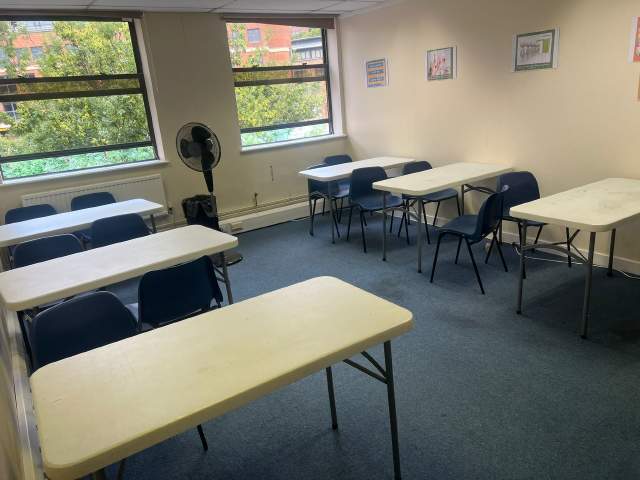
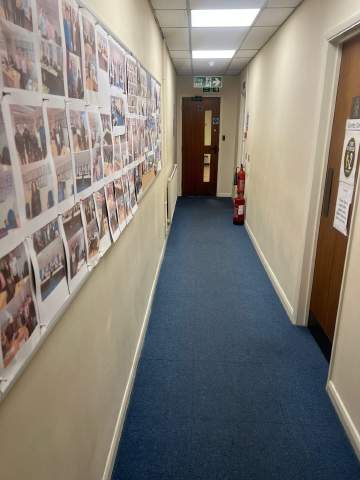
OCE High Wycombe merkezinde bulunmaktadır ve İngiltere'deki en popüler okullardan biridir. Okul sizin gibi yabancı öğrencilere İngilizce eğitiminde uzmanlaşmış. Ayrıca sınıf mevcutları diğer okullarla karşılaştırıldığında çok az. Ayrıca High Wycombe'de bulunduğunuz sürece sizinle ilgilenecek çok samimi öğretmenleri ve personelleri vardır.
Yıl açıldı
2017
Derslik sayısı
6
Yetki Onayı
İmkanlar
Kütüphane
Asansörler
Tekerlekli sandalyenin girişine
Alan yeme
Ücretsiz internet
Kablosuz internet
Bilgisayarlar
Sınıfların sonra seminerler
Alanda incelenmesi
Ses öğrenme
Öğretmen nitelikleri
Anadili İngilizce
50% den fazla
İngilizce eğitim sertifikası olan öğretmenler
50% den fazla
Üniversite mezunu öğretmenler
50% den fazla
Uyruk ve yaş çeşitliliği
Okulda uyruk ve yaş çeşitliliği farklı zaman dilimleri, kurslar ve seviyelere göre değişir. Yıl boyunca, yaş ortalaması 19. Yazın, yaş ortalaması 19.
Okul tatil günleri
OCE yukarıdaki tatil tarihlerinde sınıfları yok. Okul bu tatiller için tazminat ödemiyor onun için başlangıç tarihinizi buna göre seçiniz.
Açık olduğu zamanlar:
Yıl boyunca
Okul tatil günleri
Hiçbiri
Daha fazla oku...
photos
Fotoğraflar
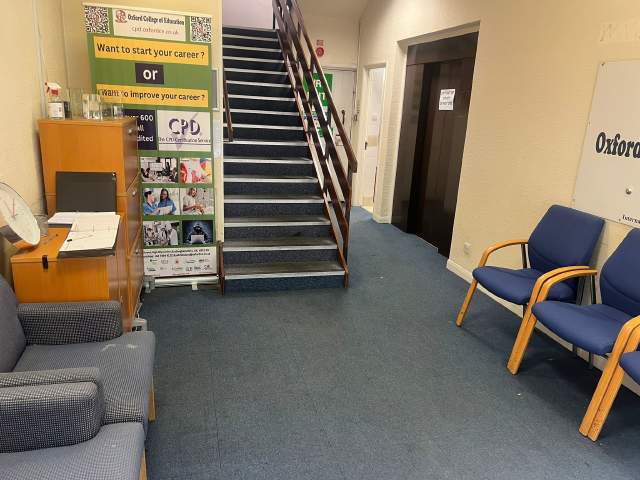
Oxford College of Education1/10
Oxford College of Education2/10
Oxford College of Education3/10
Oxford College of Education4/10
Oxford College of Education5/10
Oxford College of Education6/10
Oxford College of Education7/10
Oxford College of Education8/10
Oxford College of Education9/10
Oxford College of Education10/10
visa
Vize desteği
Biz öğrenciler adına vize için başvuruda bulunamayız. Ancak okul vize başvurunuzu desteklemek için gereken tüm belgeleri sağlayabilir.
Eğer İngilterede 11 aydan fazla eğitim görecekseniz, İngiltere elçiliğine Genel Öğrenci Vize başvurusu (General Student Visa application) ile birlikte göndermeniz gereken Eğitim Kabul Onayı (Confirmation of Acceptance for Studies (CAS)) denilen bir referans numarası alacaksınız. Başarılı dil kursu rezervasyonu yaptırmış ve ücretlerini ödemiş olan öğrenciler CAS'ı OCE dan alacaklardır. İngiltere yasalarına göre, CAS yalnızca İngilizce eğitimlerini 11 aydan fazla sürdürmeyi planlayan öğrencilere verildiğini unutmayınız.
Eğer İngilterede 11 ay veya daha az eğitim görecekseniz, Öğrenci Ziyaretçi Vizesi (Student Visitor Visa) olarak adlandırılan özel bir ziyaretçi vizesine başvurmanız gerekmektedir. Ziyaretçi öğrenci olarak eğitim sürenizce yarı-zamanlı olarak çalışamazsınız. Eğer İngilterede 11 ay veya daha az eğitiminizi sürdürmeyi planlıyorsanız, kabul mektubu ev adresinize normal posta ile hiçbir ücret talep edilmeden gönderilecektir.
Please note that we do not book flights for our students. If you are researching airfare costs, we recommend using Kayak.com, a search engine that lets you compare flight options from your home country to High Wycombe based on your budget, schedule and preferences.
Seyehat sigortası
Language International sağlık ve kişisel eşyalar sigortası kapsamında yurtdışında eğitim endişesiz geçer. Bizimle kurs rezervasyounu yaptırdığınızda, sadece sağlık bakım maliyetini değil aynı zamanda kişisel eşyalarınızın kaybını da kapsayan uluslararası sigorta planı satın alabilirsiniz. Sigortanızı kayıt olurken önceden rezervasyon yaptırmanız gerekir.